
Last updated: September 2026
Configuring the spa pack is probably the last thing on your mind. I know from my own build that by this stage you just want to fill it up, heat it and get in. But plug everything in without telling the pack what’s there, and you’ll get buttons that do the wrong thing, a pump that never runs, or a tub that doesn’t filter. It’s a ten-minute job that saves days of head scratching.
In this guide I’ll walk through configuring a Balboa spa pack step by step, the same way I do it in the video, and explain what the setup number and DIP switches actually do.
The short version
- A spa pack doesn’t know what you’ve plugged in. You tell it by choosing a setup (configuration) number that matches your pumps and blower.
- The setup table is inside the lid of the pack. Numbers differ between models, so always read your own lid.
- The DIP switches tell the pack what your supply can handle. Set them to match the circuit your electrician installed, not “everything on”.
- On TP-series topsides: DIP switch 1 on, power up, press Warm, Warm, Light, Warm, scroll with Warm, save with Light, then DIP 1 off.
- In the USA, check the voltage setting too. A dual-voltage pack set up for the wrong supply gives a weak heater or struggling pumps.
- Read the manual. Really.
What does a spa pack do?
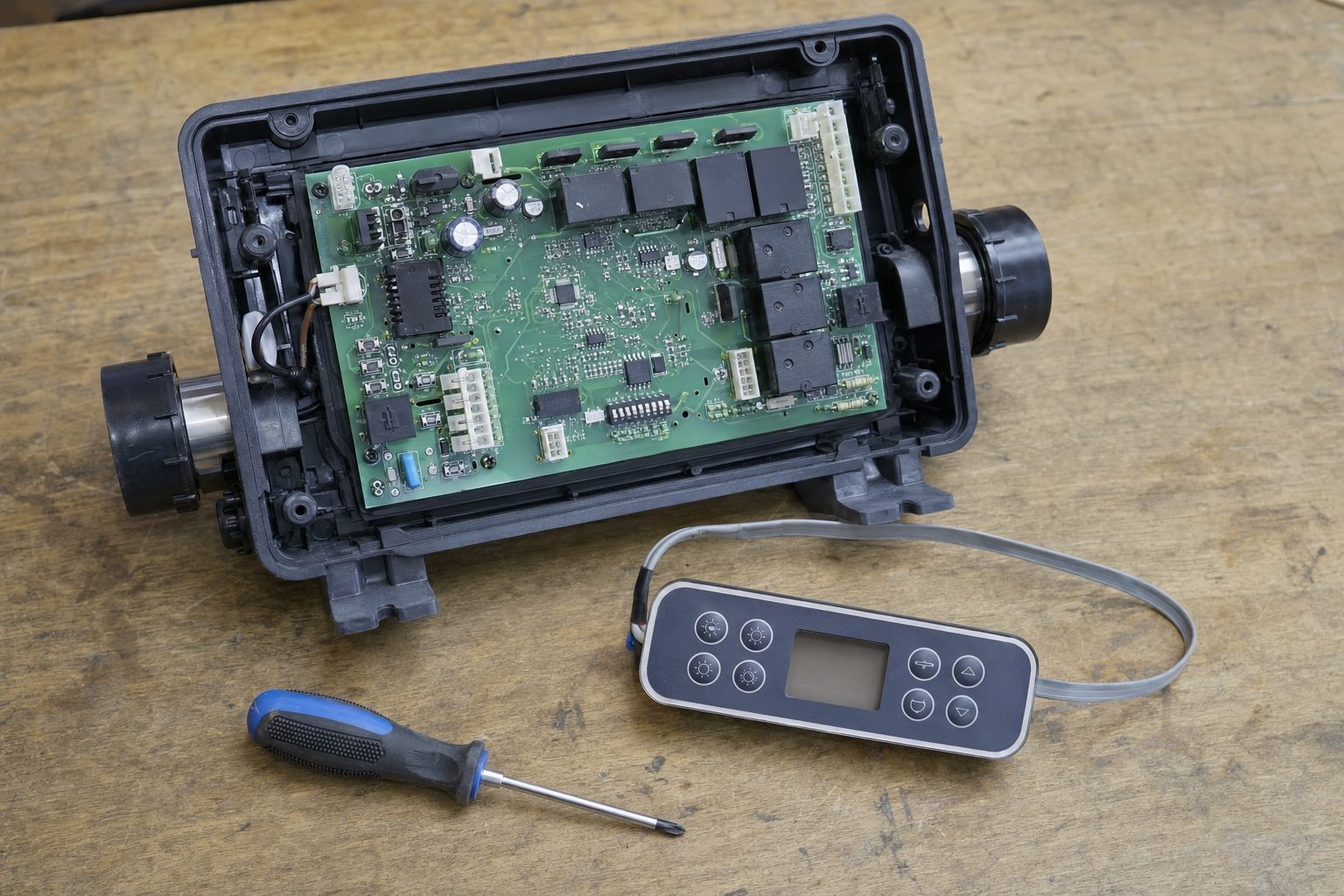
The spa pack is the box that acts as the brains of your hot tub. It controls:
- the jet pumps and circulation pump
- the blower
- the heater (if it’s electric) and the thermostat
- filtration cycles and purge cycles
- the light output, and often a WiFi module
You still want a spa pack even if you heat with an air source heat pump or a gas heater. Without one, you’d be wiring up timers and controls to do everything it does out of the box. There’s more on heating with a heat pump through the pack in How to control a heat pump with any hot tub spa pack, and on the everyday controls in the spa pack survival guide.
Why doesn’t it just work out of the box?
Because one pack can run lots of different combinations of equipment. Do you have a circulation pump? One, two or three jet pumps? Single or two-speed? A blower? A two-speed pump and a blower need a different setup from a circulation pump, a single-speed jet pump and a blower. It would make no sense to make a different pack for every combination, so the manufacturers make one pack that you configure.
Get it wrong and you’ll see things like:
- The buttons on the topside don’t match what turns on.
- A pump or the blower won’t turn on at all, because the pack doesn’t think it’s there.
- The tub doesn’t filter properly. For example, if the pack is set for a circulation pump you don’t have, it’s trying to filter with a pump that isn’t there.
What needs configuring?
1. The setup number
This tells the pack exactly what equipment is connected. The table of setups is printed inside the lid. Here’s the important part: the same equipment has a different number on different packs.
| Equipment | Balboa BP8 (18 setups) | Balboa BP601 (6 setups) |
|---|---|---|
| Circulation pump + 1-speed jet pump + 1-speed blower | 13 | 4 |
| 2-speed jet pump + 1-speed blower, no circulation pump | 17 | 3 |
Sources: Balboa’s BP8 tech sheet and BP601 tech sheet. Your pack may differ, so always use the table in your own lid.
2. The DIP switches
The DIP switches mostly tell the pack how much it’s allowed to run at once. They set how many high-speed pumps (and the blower) can run with the heater before the pack switches the heater off to stay within your supply. On a 16A UK supply, for example, you want the pack to drop the heater while the jets run. On a bigger supply, it can run more at once.
Check the switch functions in your own lid, because they differ between packs. On the BP8, A2, A3 and A4 add one, two and four high-speed pumps that can run with the heater. On the BP601, A4 is the heater cool-down setting instead. The breaker is there to protect the cable, not to be your load control, so set these to match the circuit your electrician installed. I’ve covered this in more detail in Hot tub wiring explained.
3. The supply voltage (mainly USA)
Many US packs can run on 120V or 240V. In the UK and Europe, packs run on 230V, so this is rarely an issue. In the USA, check it. Depending on the pack, you change it with a jumper, a wire or a DIP switch, and the manual tells you which. The BP8 tech sheet, for example, uses a jumper (J24) to set the heater voltage.
Why does it matter? A heater’s power drops with the square of the voltage. A 5.5kW heater at 240V only gives about 1.4kW at 120V, a quarter of the heat. Pumps built for 240V won’t run properly on 120V and can overheat. Get the voltage right before anything else. For a block or concrete DIY tub, you want 240V anyway.
Step by step: configuring a Balboa pack
In the video I’m configuring a Balboa pack with the 18-setup table (the same table as the BP8) and a TP600 topside. Other topsides look different, but the older TP-series ones work the same way. On newer menu-driven topsides, like the TP700, TP800 and spaTouch, you pick the setup from a test menu instead. See Program the Balboa BP8 using a TP700.
1. Do it on the bench if you can
I configure packs at home or in the workshop, not in a cramped control room. It saves a lot of hassle. For the demo, I disconnected the heater so the pack only runs its relays and draws very little. That way I could power it from a 5A-fused extension lead just to program it. This is only for configuring. Nothing else was plugged in, and the pack’s permanent supply is a job for your electrician. In the USA, a 240V pack won’t run from a normal outlet, so configure it in place once the supply is in.
2. Open the pack
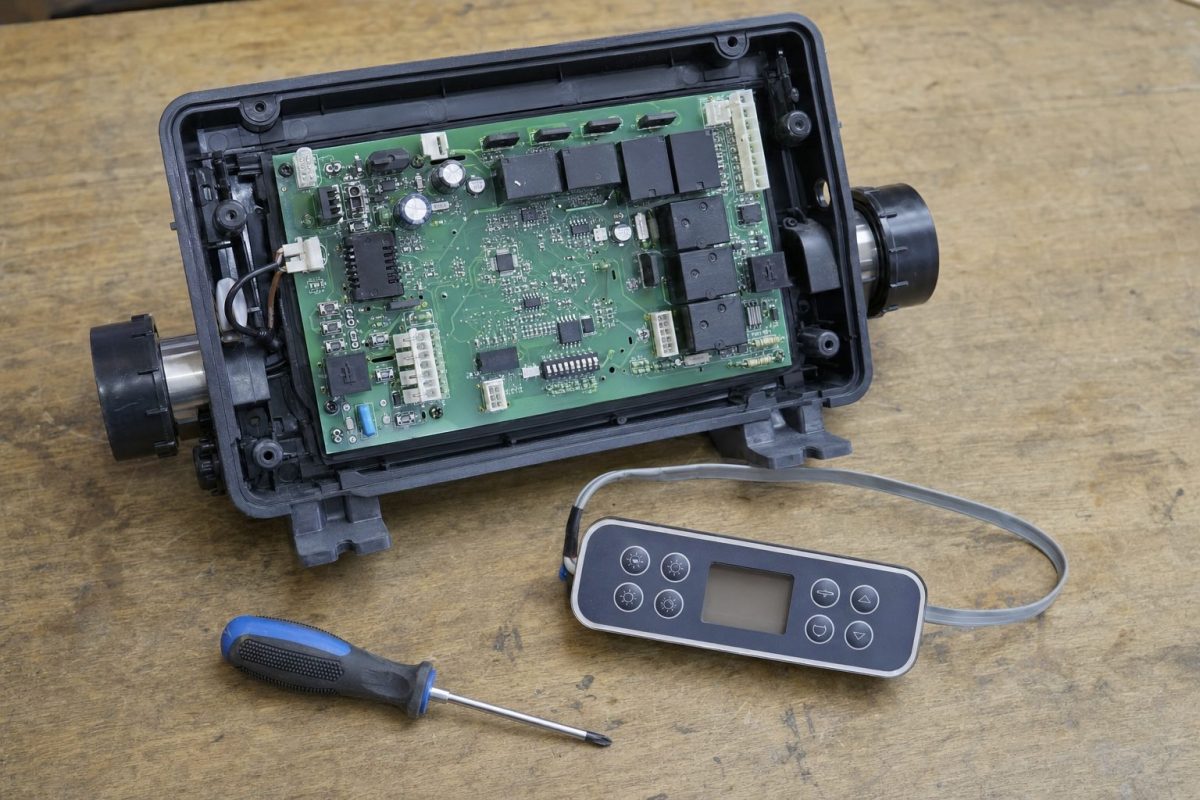
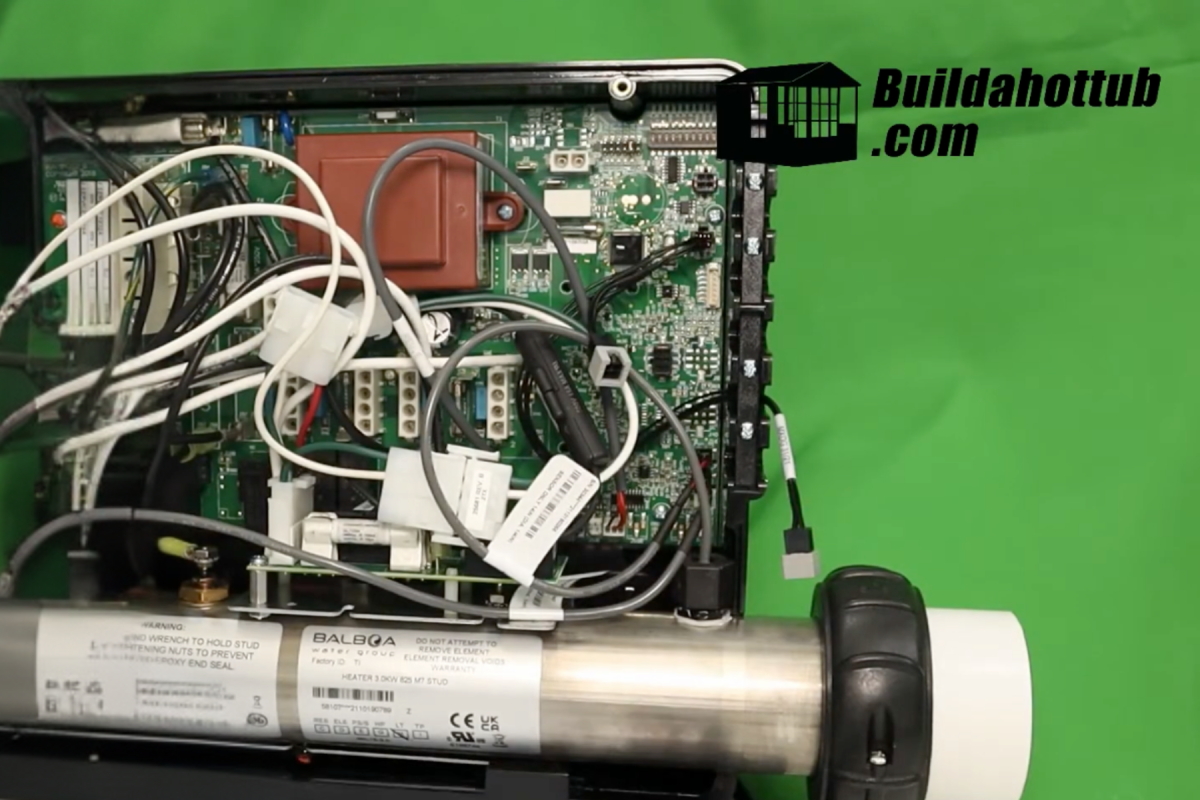
Remove the two screws at the top and take the front cover off. It looks overwhelming, with all the sockets and connections, but you only need the DIP switch bank and the table in the lid.
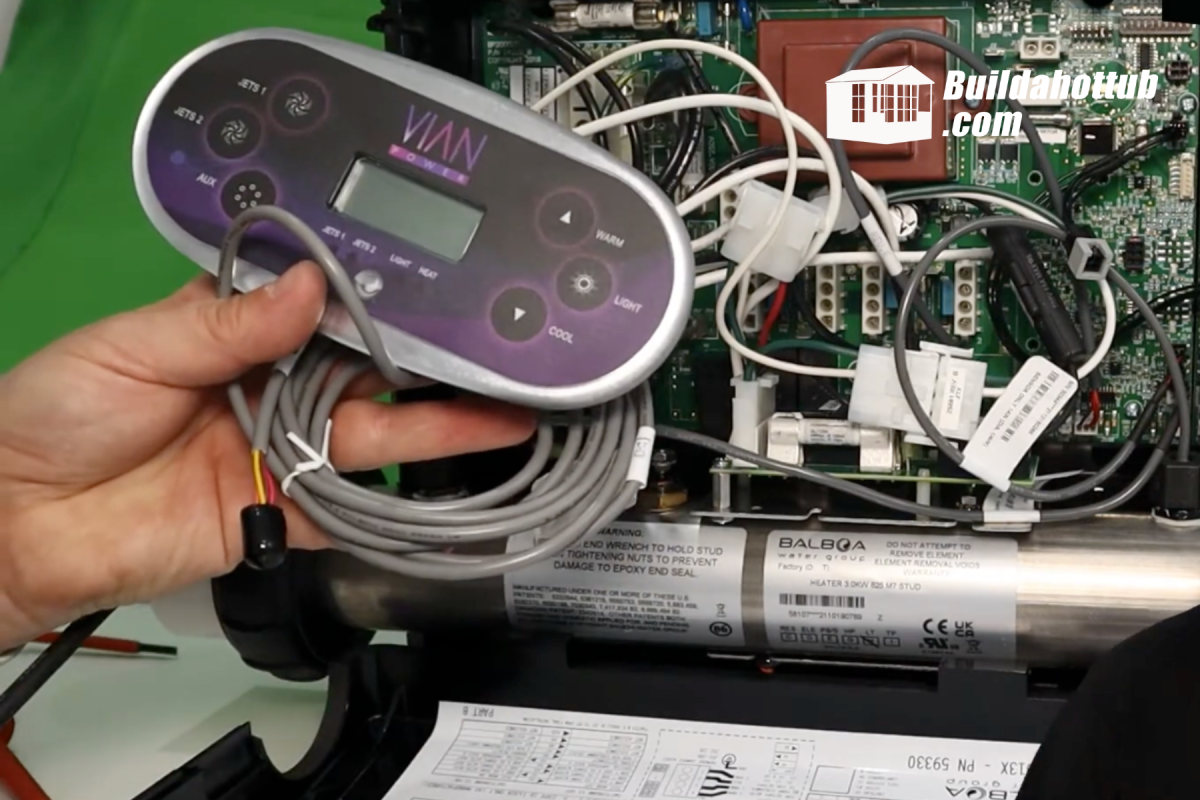
3. Connect the topside
Plug the topside into its socket on the board. I’m using a Balboa TP600. If yours is worn, you can get a replacement TP600 keypad overlay. Not sure which topside suits your pack? See Which Balboa topside control do I need?
4. Pick your setup number
Find the setup table inside the cover. For this demo I’m using setup 13: a circulation pump, a single-speed jet pump and a single-speed blower. Note your number down.
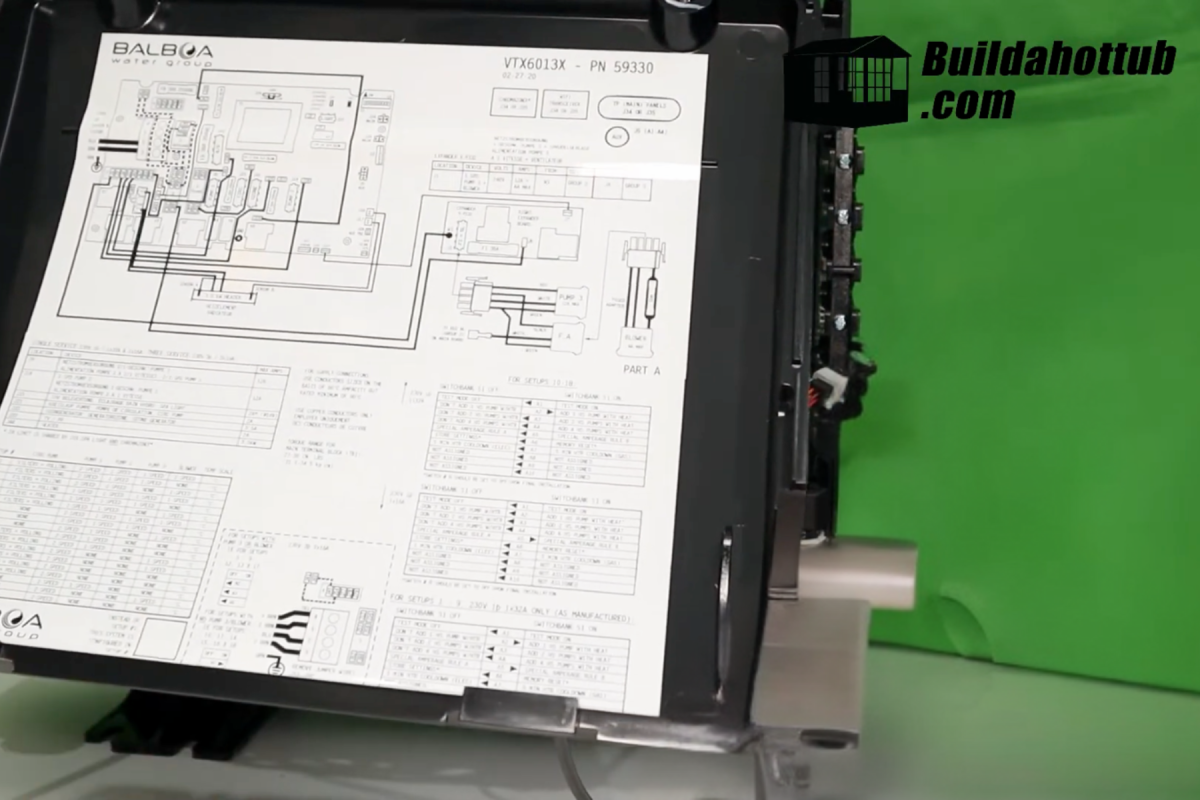
5. Set the DIP switches
With the power off, set the current-limit switches for your supply. In the demo I set A4 on, which on this pack lets up to four high-speed devices run with the heater, and left the others off. That suits a supply that can take everything at once. On a smaller supply, it doesn’t. Set yours from the table in your lid to match your circuit.
6. Enter test mode and program it
- Set DIP switch 1 to ON.
- Turn the power on. The topside boots up and shows the software version.
- Press Warm, Warm, Light, Warm to enter the setup menu.
- Press Warm to scroll to your setup number (13 in my case).
- Press Light to save. The pack reboots with the new setup.
The button sequence can vary between topsides and software versions, so check your manual if it doesn’t respond.
7. Finish off
- Turn the power off.
- Set DIP switch 1 back to OFF to leave test mode.
- Check the current-limit switches are still where you want them.
- Reconnect the heater and refit the cover.
- Power up and test each button: jets, blower, light and heat.
Careful what you plug into a spa pack
I learnt this one the hard way. Just because a socket says 12V doesn’t mean you can plug anything into it. I plugged a swimming pool light into my pack’s light output because the voltage matched. What I didn’t realise was that it drew about three times more current than the pack could supply on that output. The result: blown circuit boards that couldn’t be repaired, at around $300 each. I went through three of them. Ouch.
And where would I have learnt that? The manual, which of course I hadn’t read. If you want a pool light on your topside button, there’s a safe way to do it, explained in Can I control a swimming pool light with a hot tub spa pack? and the ultimate guide to hot tub lights. The same goes for pumps and blowers. Check each output’s rating against what you’re connecting.
Troubleshooting after configuring
| Symptom | Check |
|---|---|
| A button turns on the wrong thing | Setup number, then which socket each pump is plugged into |
| A pump or blower won’t come on | Is it in the setup you chose? Then the plug, the pin-out and the fuses |
| Heater goes off when the jets are on | Usually normal. That’s the DIP switches limiting the load to your supply |
| Heats very slowly (USA) | Voltage jumper or switch set for 120V on a 240V supply, or the reverse |
| Stuck in test mode | DIP switch 1 still on |
| Still not right | Check the board model: How to identify a Balboa circuit board and reading spa pack wiring diagrams |
My advice: read the manual
I know. Nobody likes wading through a manual, and I was as guilty as anyone. But with a spa pack it’s worth it. Every pack is different. Some from the same maker are similar, but the setup numbers, DIP switches and output ratings all change. Ten minutes with the manual and the lid diagram will get you in the tub quicker, without damaging anything or paying for “expensive lessons” like mine.
If you’re choosing a pack, my Balboa BP8 review and How to select a replacement spa pack will help. Once it’s running, Balboa heat modes explained covers Ready, Rest and the rest.
Planning your own build?
Choosing the pack, pumps and blower together, before you buy, avoids most configuration headaches. My DIY hot tub plans include a full parts list, and The Ultimate Hot Tub Control Room Guide shows how to lay out the pack, pumps and wiring. If you want to control the tub from your phone, the ControlMySpa WiFi module from Balboa plugs into compatible Balboa packs (see my ControlMySpa review). Spa packs and topsides are available from parts4tubs.co.uk in the UK and parts4tubs.com in the USA.
FAQs
How do I change the configuration on a Balboa spa pack?
Find your setup number in the table inside the lid. Set DIP switch 1 on, power up, press Warm, Warm, Light, Warm on a TP-series topside, scroll with Warm, save with Light, then turn off and set DIP 1 back off. Menu-driven topsides use a test menu instead.
What do the DIP switches on a Balboa spa pack do?
Switch 1 is test mode. Most of the others set how many high-speed pumps can run with the heater, so the pack stays within your supply. Others set things like memory reset and heater cool-down. Functions differ between packs, so check your lid.
The setup number doesn’t match your equipment, or the pumps are plugged into different sockets from the ones the setup expects.
Why does my heater turn off when the jets are on?
That’s usually the DIP switch load limit doing its job on a smaller supply. Only change it if your supply was installed for the higher load.
Can I run a DIY hot tub pack on 120V?
You can set some US packs to 120V, but the heater drops to about a quarter of its power. For a block or concrete tub, use 240V.
Stuck on a configuration? Drop your pack model and equipment in the comments below. I read them all.
Cheers,
Andi
You can also find me on my socials;






looking for hot tub & pool parts?
I have everything you need....
If you are looking for Hot Tub & Swimming Pool Parts, either for your DIY Hot Tub, plunge pool or swim spa build, or you are looking for parts to repair your pool or hot tub - then check out my USA & UK stores below.
I carry 30K+ product lines across the stores

Can I Help You?
If I can help you in any way I would love to hear from you. You can get in touch using the form below.
Thanks - Andi
 Hi, Andi here. I own Buildahottub.com and also write all of the articles and info pages on the site. Some years back now, I built my own hot tub but struggled to find the information I needed. So, once my tub was complete, I started this website to help others in their own pursuit of hot tub and plunge pools DIY building information.
Fast forward to 2025, I've helped over 1400+ DIY customers just like you all over the world build hot tubs and pools. Have a good look around the site, there are lots of resources here. Please do get in touch if I can help you. - Cheers, Andi
Hot Tub Seats, Benches and Loungers: How to Build Them Comfortable
Hot tub seats are what you touch every time you get in. Here are the [...]
Nov
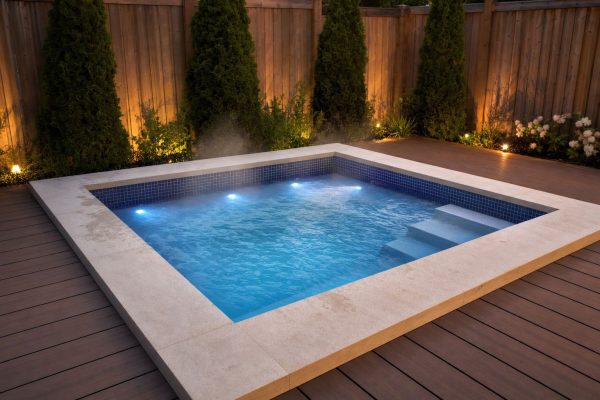
The 8ft x 8ft Hot Tub: Why It’s the Most Popular DIY Size
The 8x8 hot tub is the size I sell more plans for than any other. [...]
Nov
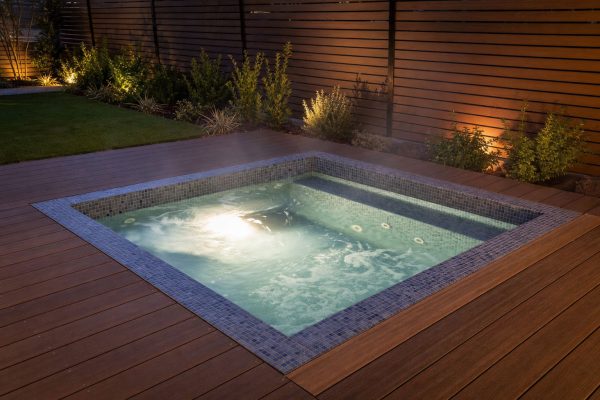
How Big Should Your Hot Tub Be? Sizes, Seating and Water Volume Explained
How big should your hot tub be? A practical guide to hot tub sizes for [...]
Nov
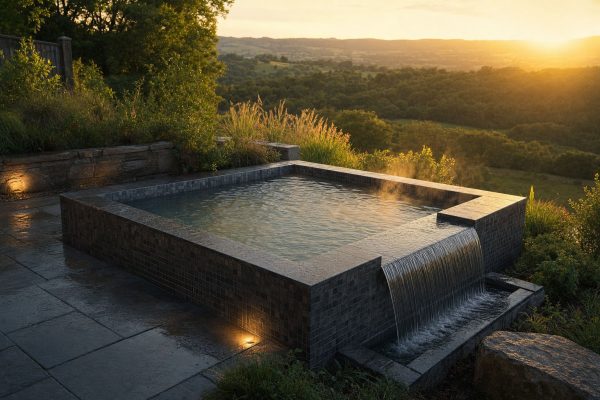
Infinity Hot Tub Cost: What the Overflow Edge Really Adds
What does an infinity edge really add to a DIY hot tub? A 2026 breakdown [...]
Oct
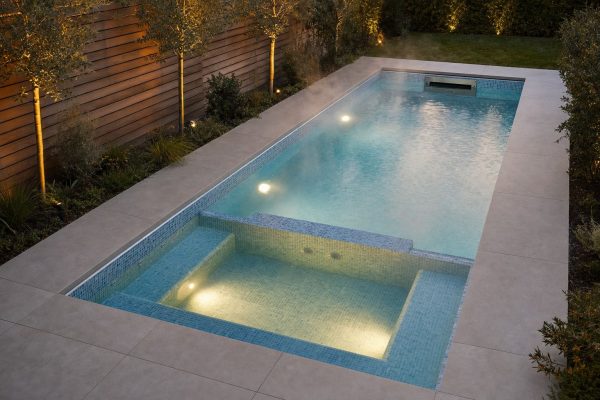
Swim Spa Sizes: How Long and Deep Does a DIY Swim Spa Need to Be?
How big should a DIY swim spa be? The minimum length for a swim jet, [...]
Oct
Hexagon, Round or Rectangle? Choosing a Shape for Your DIY Hot Tub
Square, round, hexagon or octagon? How each hot tub shape affects seating, water volume, the [...]
Oct
Stock Tank Sizes: Which Tank Makes the Best Hot Tub or Plunge Pool?
Stock tank sizes explained: 6ft, 8ft and 10ft round, oval and poly tanks, how much [...]
Oct
Cocktail Pool Cost in 2026: What a DIY Build Really Costs
What does a cocktail pool really cost to build yourself in 2026? A line-by-line budget [...]
Oct