
Last updated: September 2026
Is your topside control playing up, and you’re wondering whether it’s time for a new one? The good news is that not every topside problem needs a replacement. Some of the most common faults can be fixed for the price of an overlay, and some aren’t the topside’s fault at all.
In this post I’ll go through the usual problems, what you can fix yourself, and when replacing the panel really is the only option.
The short version
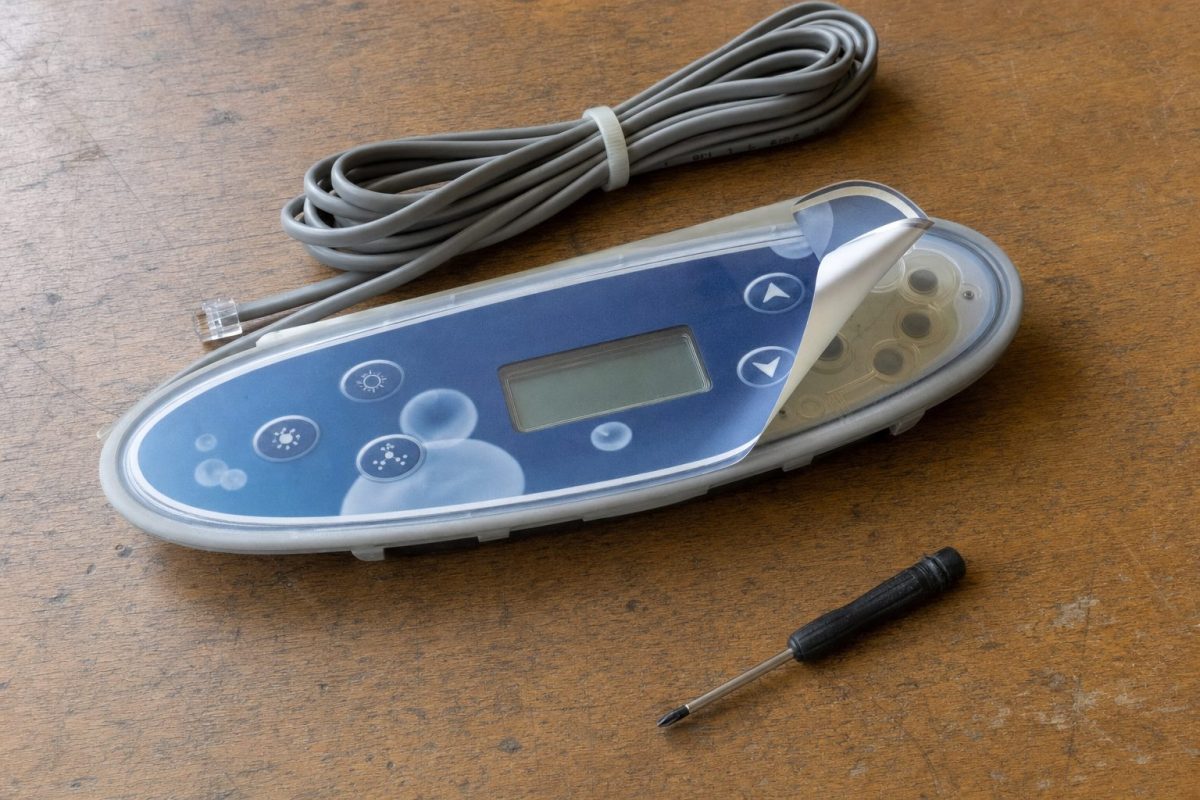
- Condensation or a peeling, cracked face? Replace the overlay (the printed sticker). It costs a fraction of a new panel.
- Sticky buttons? Lift the overlay, free the buttons and lubricate them lightly.
- Buttons doing the wrong thing? That’s usually the spa pack’s setup, not the panel. Reconfigure the pack first.
- Nothing at all? Check the power, the pack’s fuses and the topside plug before you blame the panel.
- Blank or partly dead display, or dead display and buttons? That’s a panel replacement.
- Replacing? Buy the same model or one confirmed compatible with your spa pack, and isolate the power before you swap it.
Before you do anything: check it’s really the panel
A topside is just the keyboard and screen. The spa pack does all the work. So before you spend money on a new panel, rule out the simple things:
- Is the tub getting power? Check the RCD (UK) or GFCI (USA) and the isolator. If the RCD keeps tripping, don’t just keep resetting it. See hot tub tripping the breaker.
- Is the pack alive? With the power isolated, open the pack and check the fuses. A blown fuse can leave the panel dead even though the tub has power.
- Is the topside plug seated and clean? Isolate the power, unplug the topside at the pack, check for corrosion or bent pins, and plug it back in firmly.
- Is it showing a message rather than a fault? A flashing code such as FLO or OH is the pack telling you about a problem, not a broken panel. See Hot tub FLO error.
- Is the panel locked? Many Balboa panels have a panel or temperature lock that makes buttons appear dead. Check your user guide for how to unlock it.
If you have a second panel, or can borrow one that’s compatible, plugging it in is the quickest test of all. If the other panel works, it’s the topside. If it doesn’t, look at the pack.
Problems you can usually fix
1. Moisture and condensation
If you see condensation or water droplets inside the display, like the picture below, the topside may stop working for a while. That doesn’t mean you need a new panel.
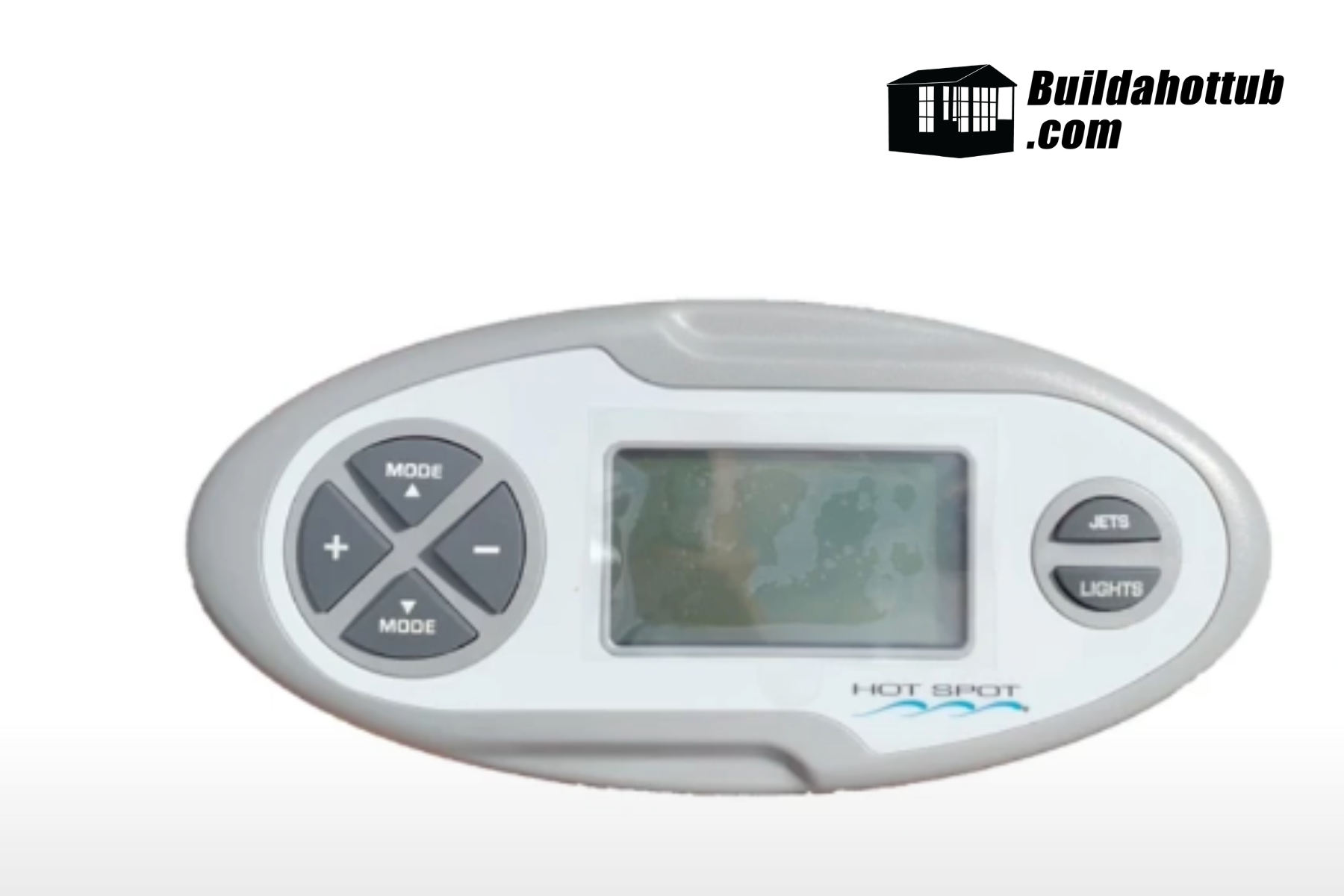
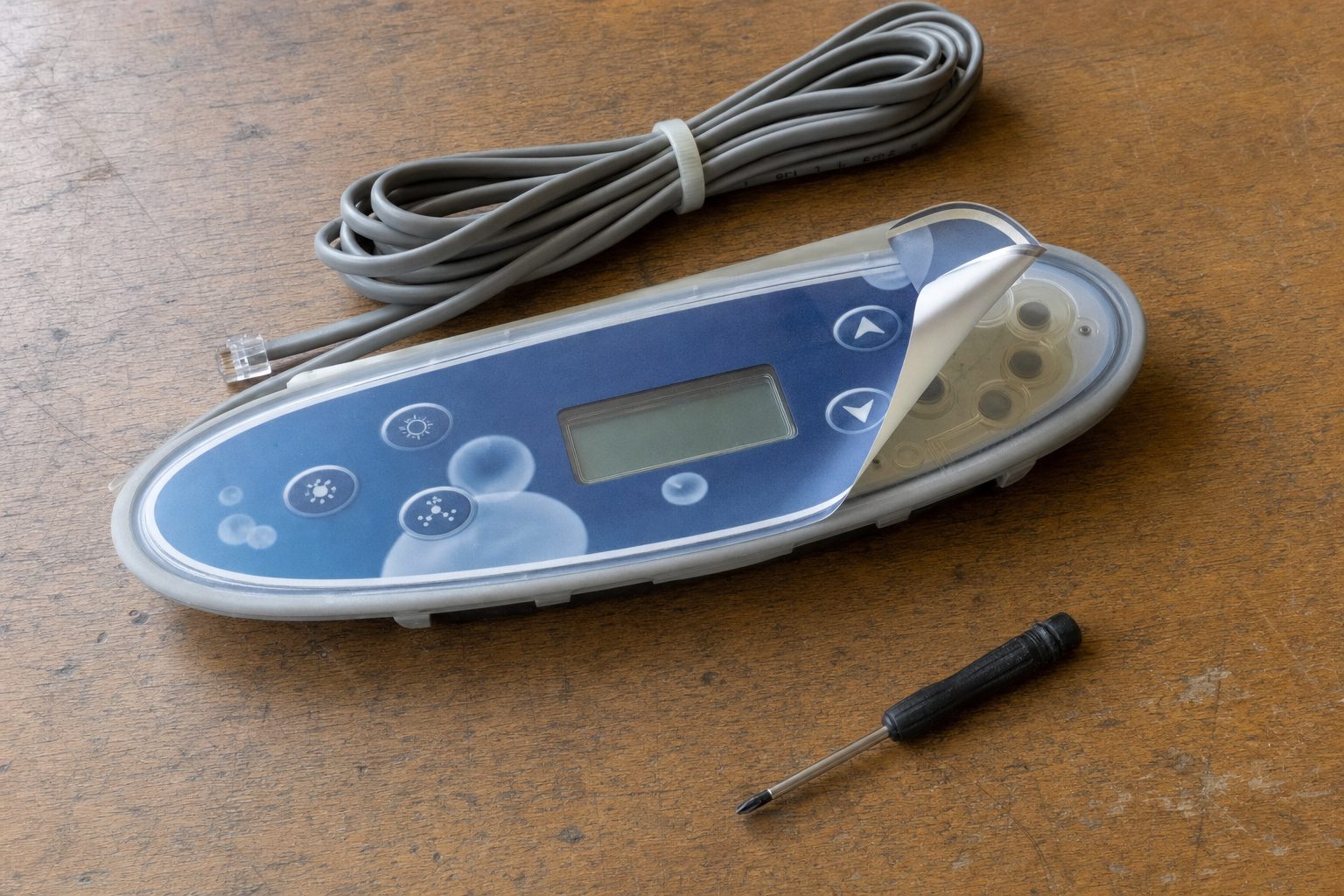
Instead, you can replace the overlay, which is the printed graphic panel on top of the screen and buttons. The old overlay peels off, which lets the screen dry out, and a new one sticks straight on. An overlay costs around $20 (£20–25 in the UK), which is much cheaper than a whole new topside, where you’d typically be paying well over $100 or £100.
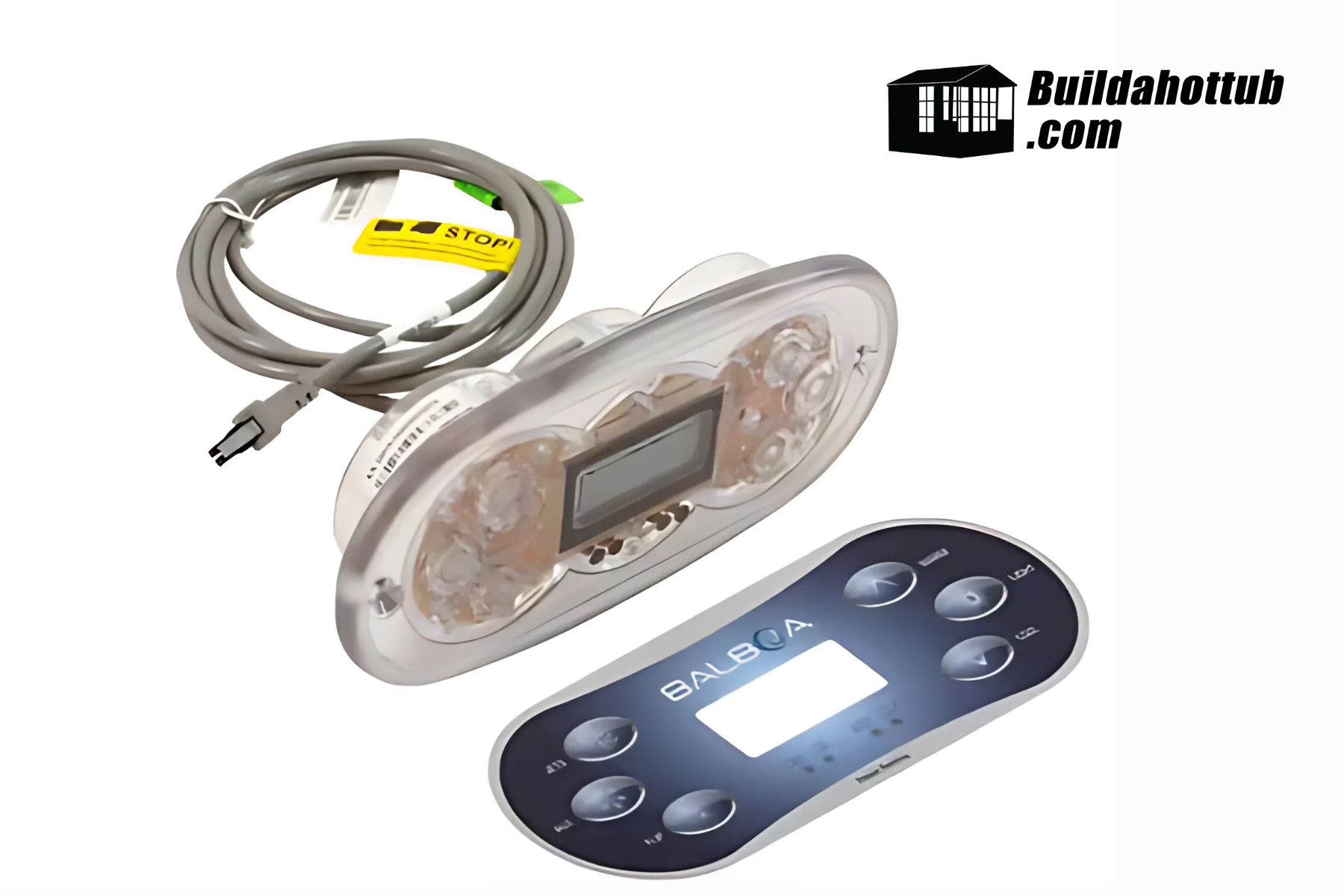
Make sure the panel and the surface are completely dry and clean before you fit the new overlay, and press it down firmly from the middle outwards so no water can get back under the edges.
Buttons can stick to the control panel. To fix this, take the overlay off and use a pin to gently prise the buttons free. A tiny amount of silicone grease helps stop them sticking again.
If the buttons themselves are worn out, you may need a new overlay, but that’s still much cheaper than a new topside.
3. Buttons doing the wrong thing
If you press one button and it controls something else, or a button does nothing at all, the problem is most likely your spa pack’s configuration, not the topside. The pack has to be told what equipment is connected. If the setup is wrong, the buttons won’t match. Check and reset it using my guide on how to configure a Balboa spa pack before you think about replacing anything.
This most often shows up after a new pack or a new panel has been fitted.
When replacement is the only option
1. No display, or a partly working display
If the display is blank but the buttons still work, or only part of the display works (missing segments or lines), the fault is in the LCD itself. That means a new topside.
If you’ve ruled out the power, fuses and plug, and neither the display nor the buttons work, replacing the topside is unavoidable.
Quick diagnosis table
| Symptom | Likely cause | What to do |
|---|---|---|
| Condensation inside the screen | Overlay seal failed | Peel, dry out, fit a new overlay |
| Faded, cracked or peeling face | Worn overlay | New overlay |
| Button stuck down or won’t click | Button stuck to the panel | Lift overlay, free button, silicone grease |
| Button turns on the wrong thing | Spa pack configuration | Reconfigure the pack |
| Error code on screen | A fault the pack has detected | Fix the fault (flow, heater, sensor), not the panel |
| Completely dead | No power, blown fuse, bad plug, or failed panel | Check power, fuses and plug, then try another panel |
| Blank or partial display, buttons work | Failed LCD | Replace the topside |
How to replace your topside control
When you replace a topside, use the same model as the original if you can. If you can’t find it, make sure the new one is compatible with your spa pack. With Balboa, the pack model decides which panels work, and some panels plug in fine but won’t respond on the wrong pack. My guide Which Balboa topside control do I need? explains the rules.
- Isolate the power at the RCD/GFCI or isolator. Never unplug or plug in a topside with the tub live.
- Open the spa pack and note which socket the topside cable goes into.
- Remove the old panel from the tub shell. Most are held with adhesive and sealant, and some have screws or a clip frame.
- Feed the new cable through, seal the panel in place and plug it into the same socket.
- Power up and check every button. If they don’t match your equipment, configure the pack.
If you’re upgrading at the same time, have a look at my reviews of the Balboa TP700 and the spaTouch Mini.
Pro tip: consider replacing the pack and panel together
If you have an older hot tub, it can make more sense to replace the topside and the spa pack together. Panels for old packs can cost almost as much as a new pack-and-panel bundle, and a new pack gives you a modern panel, WiFi options and a warranty. The Balboa BP8 (UK/Europe) and BP7 (USA) are designed to replace most older Balboa packs. There’s more on the decision in Replace spa pack or just the circuit board? and how to select a replacement spa pack.
Need a part?
Overlays, topsides and spa packs are available from parts4tubs.co.uk in the UK and parts4tubs.com in the USA. Each listing shows what it’s compatible with, so check it against the model on your spa pack’s label.
FAQs
Can a hot tub topside control be repaired?
Often, yes. Condensation, a worn face and sticking buttons can usually be fixed with a new overlay and a bit of care. A failed display or a panel that’s completely dead, after you’ve checked power, fuses and the plug, needs replacing.
How much does a replacement overlay cost?
Typically around $20, or £20–25 in the UK, depending on the panel and button layout. A whole new topside usually costs several times that.
Why is there condensation inside my hot tub control panel?
Water has got under the overlay or past a failed seal. Peel the overlay, let the panel dry out completely, and fit a new overlay pressed down firmly around the edges.
Usually because the spa pack’s setup doesn’t match the equipment that’s connected. Reconfiguring the pack fixes it. The panel itself is rarely the cause.
Can I fit a different topside to my hot tub?
Yes, as long as it’s compatible with your spa pack. On Balboa BP packs you can choose from the TP and spaTouch ranges. Older VS, GS, EL and GL packs need matching VL or ML panels.
Got a topside that’s playing up? Tell me the symptoms and your spa pack model in the comments below.
Cheers,
Andi
You can also find me on my socials;






looking for hot tub & pool parts?
I have everything you need....
If you are looking for Hot Tub & Swimming Pool Parts, either for your DIY Hot Tub, plunge pool or swim spa build, or you are looking for parts to repair your pool or hot tub - then check out my USA & UK stores below.
I carry 30K+ product lines across the stores

Can I Help You?
If I can help you in any way I would love to hear from you. You can get in touch using the form below.
Thanks - Andi
 Hi, Andi here. I own Buildahottub.com and also write all of the articles and info pages on the site. Some years back now, I built my own hot tub but struggled to find the information I needed. So, once my tub was complete, I started this website to help others in their own pursuit of hot tub and plunge pools DIY building information.
Fast forward to 2025, I've helped over 1400+ DIY customers just like you all over the world build hot tubs and pools. Have a good look around the site, there are lots of resources here. Please do get in touch if I can help you. - Cheers, Andi
DIY Hot Tub Cost Breakdown for 2026: Where the Money Actually Goes
What does a DIY hot tub cost in 2026? A line-by-line breakdown of an 8ft [...]
Sep
Can a Self-Confessed Rubbish DIYer Build a Hot Tub? Meet Matt
his might just be the biggest challenge my DIY hot tub plans have ever faced. [...]
Jun
What I’d Change If I Built My DIY Hot Tub Again
Four things I'd do differently if I built my DIY hot tub again: ICF, a [...]
May
Out With the Cedar, In With an ICF Inground Hot Tub
Right, I've got a brand new project to introduce to the channel today – and [...]
Apr
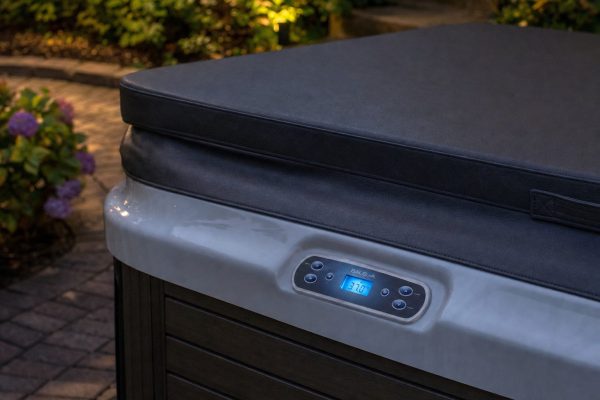
Balboa Heat Modes Explained: Ready, Rest, Economy and Sleep
Ready, Rest, Economy, Sleep: what each Balboa heat mode does, how to switch between them [...]
Mar
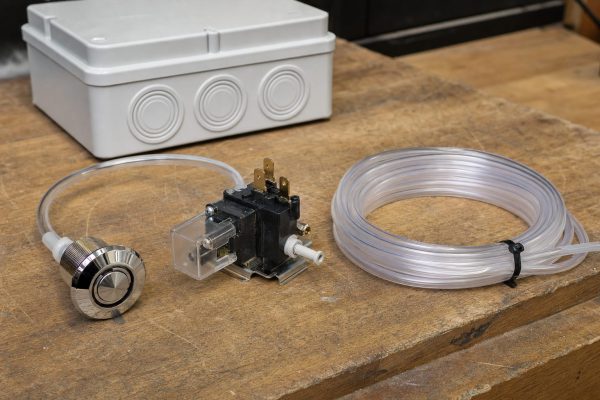
How to Change an Air Button and Latching Relay on a Hot Tub or Pool
Air buttons and latching relays are cheap and easy to replace. Here is how they [...]
Mar
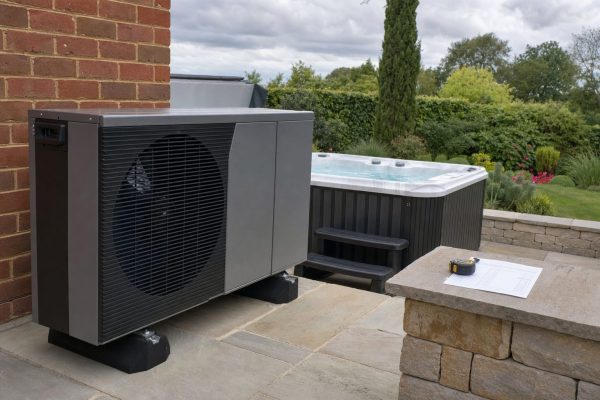
How to Choose the Right Air Source Heat Pump for Your Hot Tub or Pool
Five things to check before buying an air source heat pump for your hot tub [...]
Mar
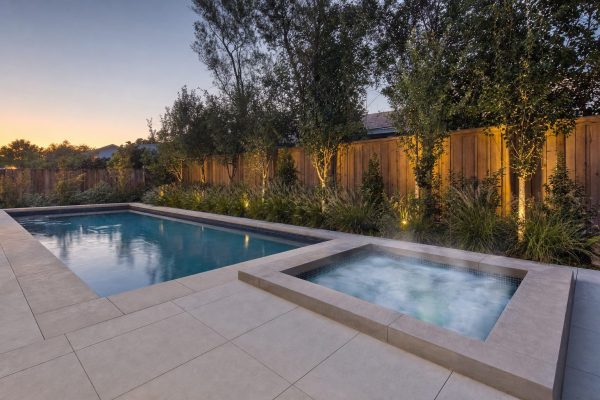
Hot Tub vs Plunge Pool: Which Should You Build in 2026?
Hot tub or plunge pool? An honest side-by-side of size, temperature, plumbing, cost, safety and [...]
Mar